Fireflies.ai records, transcribes and summarizes meetings, and its bot, Fred, can join Zoom, Google Meet, Microsoft Teams and more than ten other platforms. Teams use it for searchable call libraries and CRM updates. If you’re an individual who mainly wants your own meetings transcribed, two parts of its pricing tend to cause friction: storage is counted in minutes, and everything lives in Fireflies’ cloud. TranscribeX takes the opposite approach. Here is how they compare.
The short version
- Storage. Fireflies Free stores 400 minutes per team; Pro stores 8,000 minutes per seat. TranscribeX saves meetings as files on your Mac with no minute limit.
- Processing. Fireflies transcribes in its cloud. TranscribeX transcribes, identifies speakers and can summarize on your Mac.
- Bots. Fireflies uses a bot by default and also offers bot-free recording in its desktop app and Chrome extension. TranscribeX never uses a bot.
- Price. Fireflies Pro is $10 a month billed yearly. TranscribeX Pro is $39 once.
- Fireflies is stronger for teams: CRM and dialer integrations, team analytics, cross-meeting search and mobile apps.
TranscribeX vs Fireflies.ai at a glance
| TranscribeX | Fireflies.ai | |
|---|---|---|
| Bot joins the call | No, records Mac audio and optionally video | Bot by default; bot-free desktop app (Mac, Windows) and Chrome extension |
| Where audio is transcribed | On your Mac, works offline | Fireflies’ cloud; no local option found |
| Recording kept | Audio or video file on your Mac | In the cloud for bot recordings; bot-free desktop recordings keep no audio or video file |
| Storage limit | Your disk | Free: 400 min per team. Pro: 8,000 min per seat. Business: unlimited |
| Free plan | Unlimited transcription of files and mic recordings, dictation (no meeting automation) | Transcription, limited AI summaries, 2-hour recording limit |
| Price model | $39 once for Pro | Pro $10/seat/mo yearly ($18 monthly); Business $19; Enterprise $39 |
| Speech models | Whisper, Parakeet, Qwen3 ASR, Nemotron, Apple on-device | Chosen by Fireflies, 100+ languages |
| Team features | ✗Single user, share by export or email | ✓AskFred cross-meeting search, team analytics, CRM sync, API |
| Platforms | Mac only | Web, Mac, Windows, iOS, Android, Chrome extension |
Fireflies.ai details from fireflies.ai/pricing and its help article on recording without a bot (guide.fireflies.ai), checked October 2026. The pricing page lists “Unlimited transcription” for Free with an asterisk, while its comparison table says “Limited”. Spot an error? support@transcribex.io.
The storage question
Fireflies plans are measured partly in stored minutes. On the free plan, 400 minutes are shared across your whole team, which is about seven hour-long meetings. Pro raises that to 8,000 minutes per seat, roughly 130 hours. Business removes the cap. AI features draw on a separate pool of AI credits.
TranscribeX has no equivalent meter. Each meeting is saved on your Mac as audio, or audio plus video if you turn that on, with its transcript, speakers and summary. You can keep years of meetings, re-transcribe an old one with a newer model, or move them to an external drive. The trade-off is that backups and sharing are your job, because there is no cloud copy.
A Fireflies AI alternative that runs on your Mac
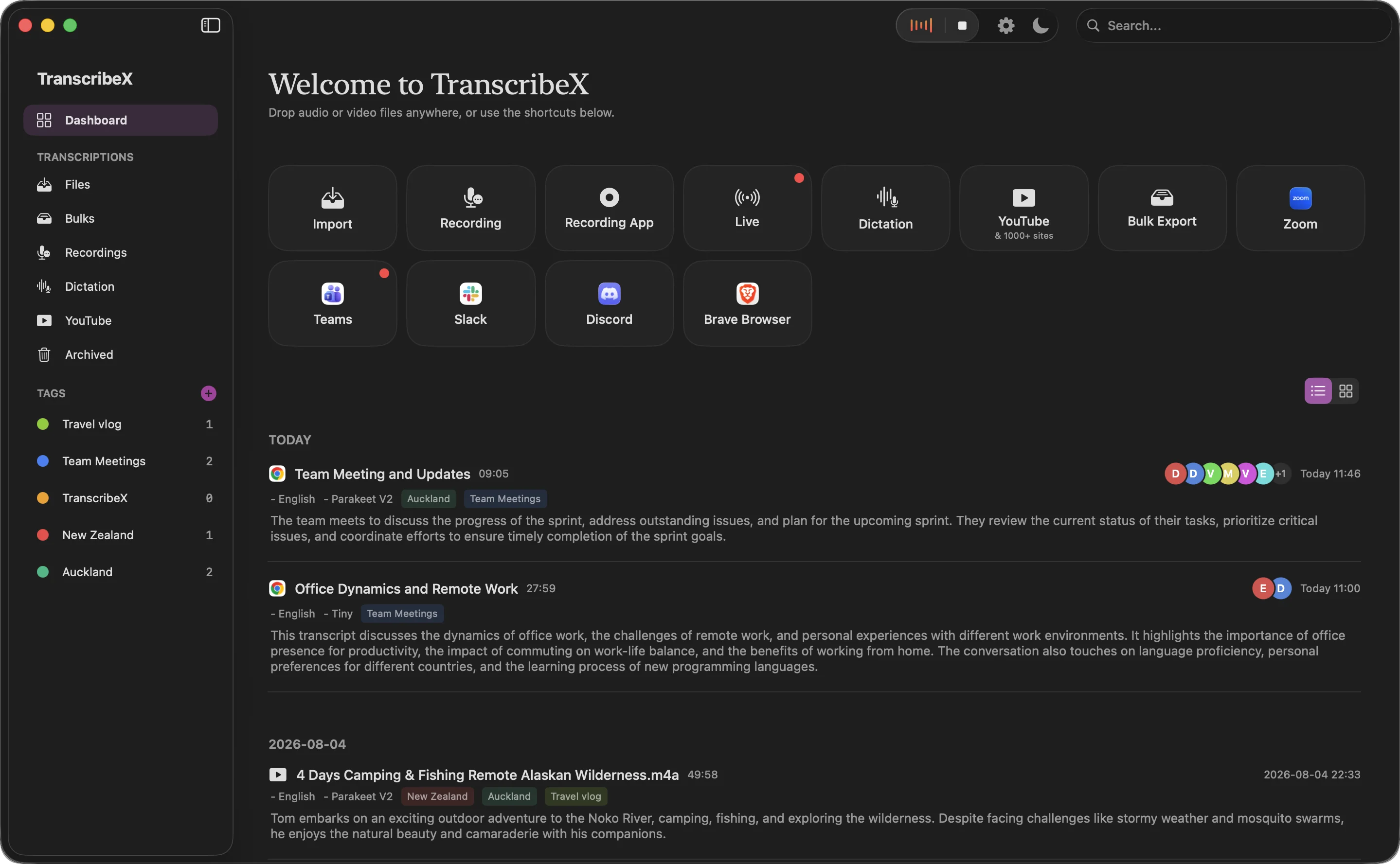
With Pro, TranscribeX covers the same core loop as a cloud note taker, on your own machine. It detects calls in Zoom, Teams, Google Meet, Slack, Discord, Webex and browsers, and links each one to the matching calendar event. After the call it transcribes with Whisper, Parakeet, Qwen3 ASR or another local model and names the speakers with Voice Profiles, with no cap on the number of people. Then it writes a summary of key points, decisions and action items. The summary model can run inside the app with no API key. If you set it up, the recap and transcript are exported and emailed as soon as the meeting ends.
During a call, a live transcript window shows what’s being said, with an AI chat panel for questions like “what did I miss?”. Transcription, diarization and the built-in model all work offline; only email and online AI providers need a connection. Read how the meeting pipeline works.
Free plans compared
Fireflies Free includes transcription and limited AI summaries, with the 400-minute team storage limit and a 2-hour cap per recording. TranscribeX’s free version transcribes files and microphone recordings without limits, using Whisper Tiny and Apple’s on-device model, and includes dictation. It does not record meetings automatically or write AI summaries; those are Pro features. If you want a free tool that summarizes meetings, Fireflies Free does that and TranscribeX Free doesn’t.
“TranscribeX really surprised me—fast, accurate, and private. Love that it runs local AI with no extra costs for transcription.”
What Fireflies costs over three years
Fireflies Pro is $10 per seat a month on yearly billing, or $18 month to month. Over three years that’s $360 on the yearly plan. TranscribeX Pro is $39 once.
| Plan | Billing | 1 year | 3 years |
|---|---|---|---|
| TranscribeX Pro | One-time, free updates | $39 | $39 |
| Fireflies Pro | $10/month billed annually ($18 monthly) | $120 | $360 |
Cheapest paid individual plan at list price (USD unless marked). Prices checked October 2026 on each vendor’s pricing page (Fireflies.ai). TranscribeX Pro is a one-time purchase with free updates; the free version has no time limit.
Where Fireflies is the better choice
- Integrations. Fireflies connects to CRMs, dialers and Zapier. TranscribeX exports files and offers a CLI and MCP server.
- Searching a team’s meetings. AskFred and conversation analytics work across everyone’s calls. TranscribeX is a single-user app.
- Sharing with outsiders. Fireflies can send recap links that people outside your company can open. TranscribeX shares by email or exported file.
- Any device. Web, Windows, iPhone and Android apps. TranscribeX is Mac only.
- Compliance options. Enterprise offers HIPAA support and private storage.
Choose TranscribeX if…
- You don’t want to track storage minutes or AI credits
- You want meetings transcribed on your Mac, not in the cloud
- You want to keep the recording itself
- You’d rather pay $39 once than $120 a year
Choose Fireflies if…
- Your team needs a shared, searchable meeting library
- You want call notes pushed into your CRM or dialer
- You share recaps with clients by link
- You work on Windows or mobile as well as a Mac
Fireflies alternative: FAQ
Is Fireflies.ai free?
Fireflies has a free plan with transcription, limited AI summaries, 400 minutes of storage per team and a 2-hour recording limit. Pro is $10 per seat a month billed yearly (checked October 2026).
Can Fireflies record without a bot?
Yes. Its desktop app for Mac and Windows and its Chrome extension can record without the Fireflies bot. Transcription still happens in Fireflies’ cloud. TranscribeX also records without a bot, and transcribes on your Mac.
Does TranscribeX limit how many meetings I can store?
No. Recordings and transcripts are files on your Mac, so the only limit is disk space.
Does TranscribeX work offline?
Yes. Transcription, speaker identification and summaries with the built-in model run without an internet connection. Sending recap emails or using online AI providers needs one.