“We agreed to move the deadline” means one thing if the client said it and another if your intern did. A transcript without speakers tells you what was said. Speaker diarization adds who said it, which is what you need for meeting minutes with owners, interviews with clear questions and answers, and podcast transcripts that read as dialogue.
The short version
- Runs on your Mac. The pyannote community-1 pipeline runs as Core ML on the Neural Engine. Audio and voice data stay on the device, and it works offline.
- No speaker limit. You never enter a speaker count. The pipeline detects it, for a two-person interview or a twelve-person all-hands.
- Speaker identification with Voice Profiles. Save a voice once and that person is named automatically in later recordings.
- Names carry through. Speaker labels flow into AI summaries, per-speaker chat and every export format. Diarization is part of Pro ($39 once).
*From benchmarks published by the maintainers of the Core ML diarization pipeline TranscribeX uses (AMI single-microphone test set, measured on Apple Silicon). Your results depend on your Mac and on the audio.
What speaker diarization does
In one audio stream, voices interrupt, overlap and trail off. Diarization works out which stretches of sound belong to the same person. It looks at the character of each voice (pitch, timbre, rhythm), splits the recording into speech regions, computes a compact voice fingerprint for each region, and groups the fingerprints so each group is one speaker.
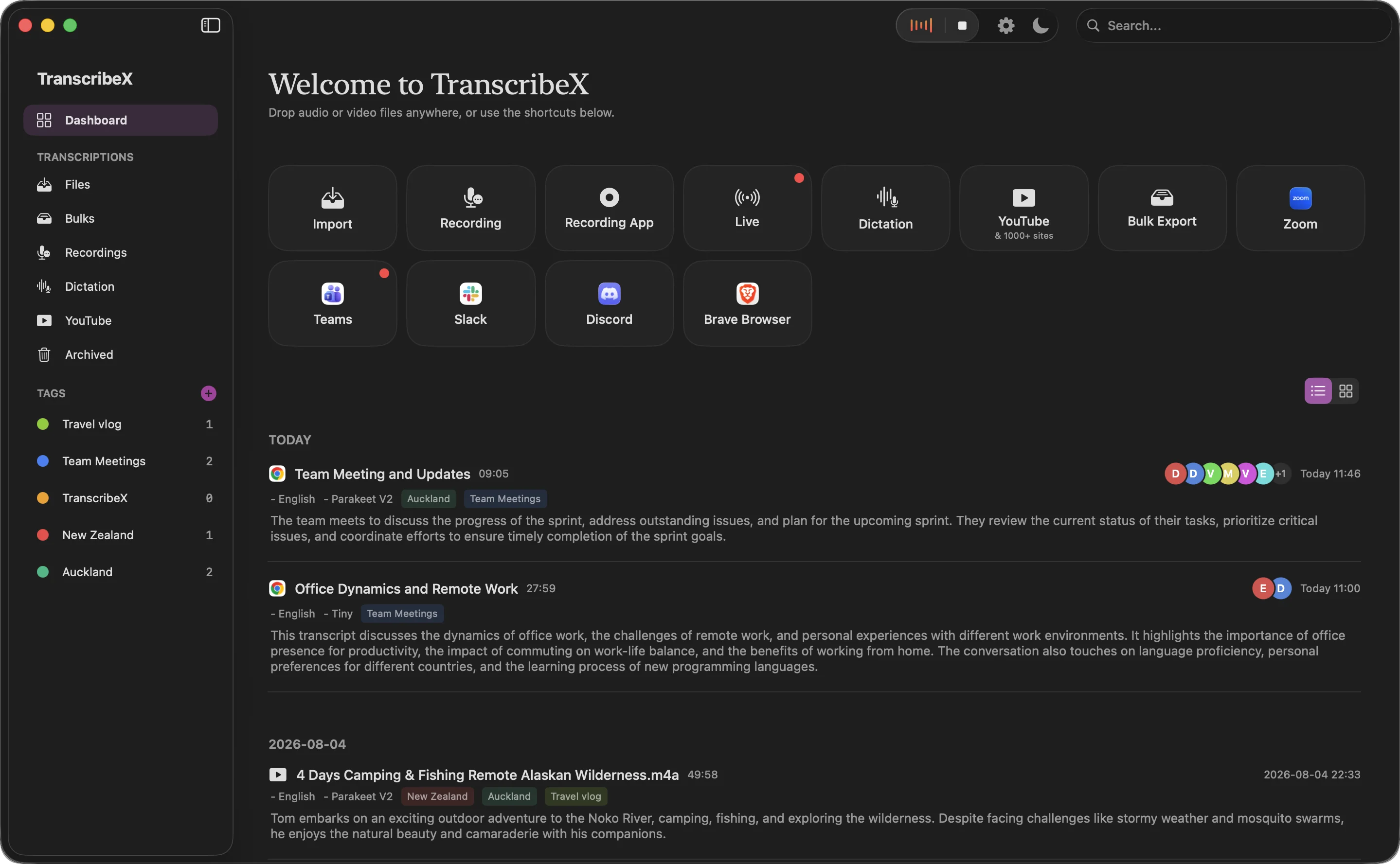
The result is a transcript in blocks: Maya, then Daniel, then Priya, each in their own colour. You can search for what one person said about the budget, credit a decision to the right person, or skip to the guest’s answers in an interview.
How TranscribeX separates voices
When diarization runs, either automatically after a meeting or on demand from the Speakers panel, TranscribeX goes through four stages on your Mac:
- Segment the audio into fine-grained speech regions, including places where people talk over each other.
- Fingerprint each region as a voice embedding.
- Cluster the fingerprints to decide how many speakers there are and which speech belongs to whom.
- Label each transcript segment with the speaker whose speech overlaps it most, then merge consecutive segments from the same person into one paragraph.
Under the hood this is the open pyannote community-1 pipeline: powerset segmentation, WeSpeaker embeddings and VBx clustering. These are published research methods, converted to Core ML so they run on Apple’s Neural Engine. TranscribeX runs the pipeline at its higher-accuracy setting, which scans the recording with heavily overlapping windows instead of a faster, sparser pass.
Diarization works on the finished recording as a whole, so it can hear the entire conversation before deciding who is who. It runs after any local transcription model, whether you used Whisper, Parakeet or another engine. During live transcription, live diarization labels speakers as the call happens.
Speaker identification with Voice Profiles
Separating voices is half the job. The other half is knowing whose voices they are. After any diarization, select a speaker and save them as a Voice Profile. From then on, each new diarization compares every detected speaker with your saved profiles and applies the matching name and colour. Your weekly stand-up comes back with real names instead of “Speaker 1”.
- Several samples per person. Save someone from a headset call, a conference room and a phone line, and matching gets better. The samples are grouped under one profile.
- Choose how strict matching is. Each profile has a match level of Strict, Normal or Low.
- Profile groups. Keep your team, your podcast guests and your family in separate collections.
- Stored only on your Mac. Voice fingerprints are biometric data. They live in TranscribeX’s local database and are never uploaded.
That last point is the main reason to do speaker identification locally. A cloud service that recognises your colleagues’ voices has to keep their voiceprints somewhere. With TranscribeX, that somewhere is your own disk.
“TranscribeX has been great! I am on 20+ calls weekly and this tool has become invaluable for call transcripts, and without any subscription or sending my data off to the cloud! I've emailed support on a few occasions and Ethan has been extremely responsive, top notch support!”
What named speakers make possible
Once speakers have names, the rest of the app uses them:
- AI summaries that credit people. The language model gets a speaker-attributed transcript, so the meeting report can say who made each decision and who owns each action item.
- Chat with one speaker. Scope transcript chat to a single person and ask what the client actually committed to.
- Exports that keep the names. Labels carry into TXT, Markdown, PDF, CSV, JSON and SRT/VTT, and into automatic post-meeting exports and emails.
- Quick corrections. No diarization is perfect. Rename or recolour a speaker inline, merge two speakers the model split, or select segments and reassign them in bulk. Fixes flow through to summaries and exports.
It also scales past one file. Bulk imports have a diarization toggle, and the tx command line tool and the MCP server accept a diarize flag, so scripts and AI agents get speaker-labelled transcripts too.
Diarization in other Mac transcription apps
| App | Speaker diarization | Notes |
|---|---|---|
| TranscribeX Pro | ✓Local, no speaker limit | Live and after the call, Voice Profiles, $39 once |
| MacWhisper Pro | ✓Up to 8 speakers | Works live since version 15.2, €64 once |
| Superwhisper Pro | ✓“Speaker separation” | Its docs say cloud Nova models give the most accurate results; labels are not carried into AI summaries |
| Meetily | ?Pro only | Community edition is free; diarization needs Pro at $120/year per device |
| Anarlog Free | ?Manual labelling | Local, open source |
| Aiko | ✗ | Not supported, per its site |
From each vendor’s own site and docs (macwhisper.com and 9to5Mac coverage of 15.2, superwhisper.com/docs, meetily.ai/pricing, anarlog.so/pricing, sindresorhus.com/aiko), checked October 2026. Cloud note takers such as Otter process recordings on their own servers, so any speaker labels they produce are made there too.
MacWhisper is a good app, and for small meetings its eight-speaker limit rarely matters. If your calls regularly have more than eight people, or the same people every week, unlimited speakers and Voice Profiles are where TranscribeX pulls ahead. Full MacWhisper comparison.
Who uses it
- Teams in meetings: action items with owners and recaps that say who promised what. Meeting transcription can diarize automatically after every call.
- Journalists and researchers: interviews split cleanly into question and answer, and source audio stays on the laptop.
- Podcasters: save co-hosts and regular guests once, and each episode comes back as named dialogue.
Speaker diarization: FAQ
What is speaker diarization?
Speaker diarization is the process of splitting a recording by speaker, so a transcript shows who spoke when. Speaker identification goes a step further and puts a real name on each voice. TranscribeX does both: diarization finds the speakers, Voice Profiles name them.
How many speakers can TranscribeX handle?
There is no fixed limit, and you do not enter a count. The pipeline detects the number of speakers automatically.
Does diarization work offline?
Yes. After a one-time download of the Core ML models, diarization, Voice Profile matching and storage all run on your Mac with no connection. What else works offline.
Is speaker diarization in the free version?
No. Diarization and Voice Profiles are part of TranscribeX Pro, a $39 one-time purchase with a 7-day refund. The free version transcribes without limits but does not label speakers.
What if it gets a speaker wrong?
Rename speakers inline, merge two that were split, or select segments and reassign them in bulk. Corrections carry through to summaries and exports.