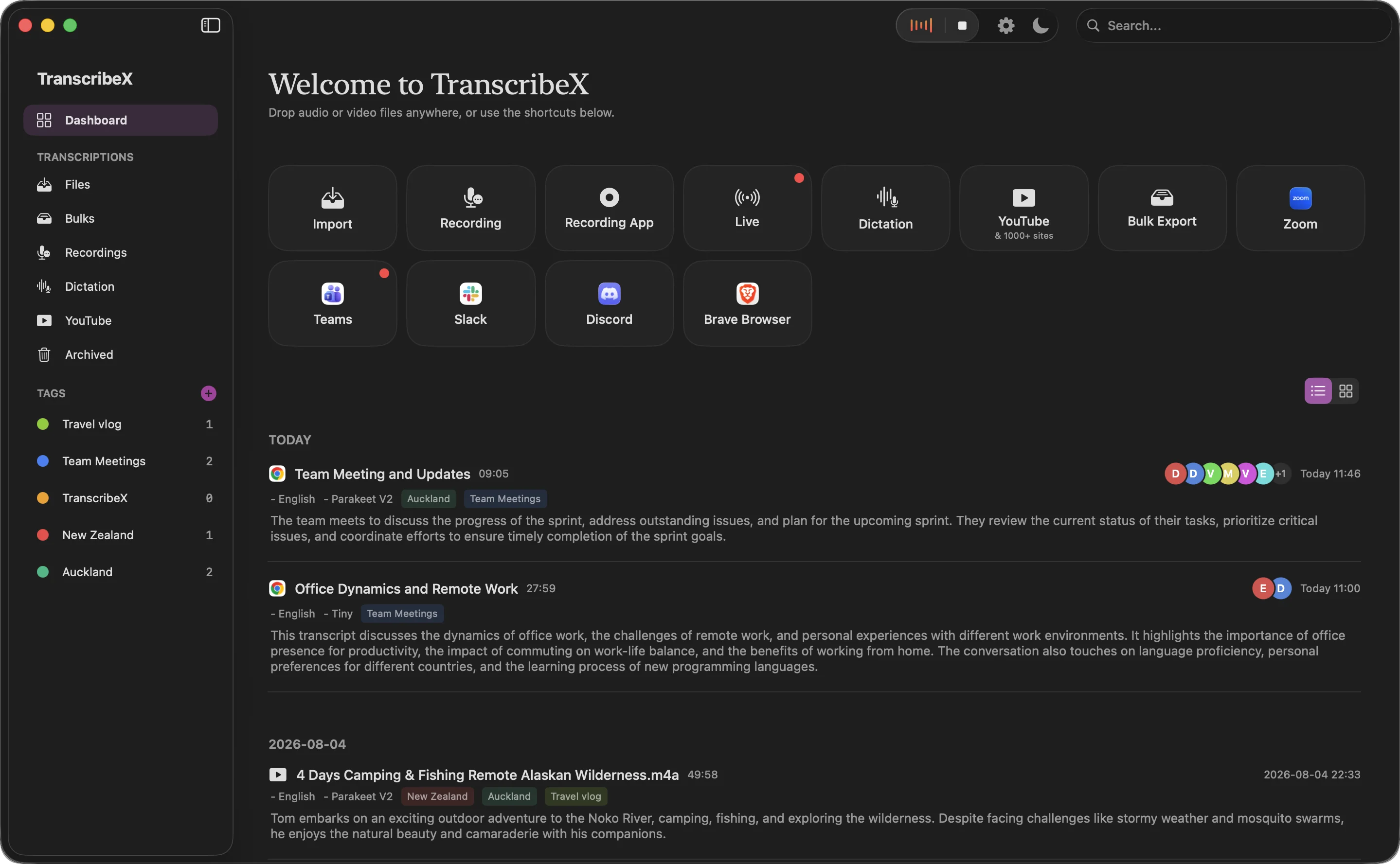
Apple has had on-device speech recognition for years, first for Siri and dictation. With macOS 26 it introduced a new speech-to-text API, SpeechAnalyzer, with a model that Apple says is faster and better at long recordings than the old one. Apple already uses it in Notes, Voice Memos and Journal. For a transcription app, it is a model that is already on the Mac, kept up to date by the system, and free to use.
The short version
- Free in TranscribeX: Apple On-Device and Whisper Tiny are the two models in the free version, with unlimited transcription.
- Nothing to download in the app: macOS manages the model in system storage, so it starts right away.
- 30 locales across 10 languages: English, Spanish, French, German, Italian, Portuguese, Chinese, Cantonese, Japanese and Korean.
- Limits: far fewer languages than Whisper, and Apple publishes no accuracy figures, so test it on your audio.
Apple SpeechAnalyzer vs the older Speech framework
Apple’s Speech framework now has two generations. The older SFSpeechRecognizer arrived in 2016 and uses the same model as Siri. It was designed for short dictation, could fall back to Apple’s servers on some devices, and made users add languages themselves. SpeechAnalyzer, with its SpeechTranscriber module, came with macOS 26 and iOS 26 at WWDC25.
| SpeechAnalyzer (macOS 26) | SFSpeechRecognizer (2016) | |
|---|---|---|
| Where it runs | ✓Entirely on device | ~On device or Apple servers, depending on device |
| Built for | Long-form and distant audio: lectures, meetings, conversations | Short dictation |
| Model storage | System storage, updated by macOS, not part of the app | System |
| Used by Apple in | Notes, Voice Memos, Journal | Siri, dictation |
From Apple’s WWDC25 session 277 and the SpeechTranscriber documentation. Apple does not publish a parameter count, a word error rate or exact hardware requirements for the model. Checked October 2026.
One detail matters for privacy-minded users: in Apple’s words, “transcription is entirely on device but the models need to be fetched.” macOS downloads the language model the first time it is needed and stores it outside the app. After that, transcription works offline. Apps can only hold a limited number of languages at a time, which the system manages.
How accurate is Apple speech recognition?
Apple has not published benchmark numbers, and its model is not on the Open ASR Leaderboard, so there are no independent figures comparable to those for Whisper or Parakeet. Two outside tests give a rough picture:
- MacStories ran a 34-minute video through an app built on SpeechAnalyzer and through MacWhisper. The SpeechAnalyzer app took 45 seconds, Whisper Large V3 Turbo in MacWhisper took 1 minute 41 seconds, and the reviewer saw no noticeable difference in transcript quality. This was an informal test on one file.
- A July 2026 benchmark by the Inscribe app on an M2 Pro, reported by Gigazine, measured SpeechAnalyzer at 2.12% WER on LibriSpeech clean and 4.56% on LibriSpeech other, better than Whisper Small (3.74% and 7.95%). Larger Whisper models were not included.
Sources: MacStories, June 2025; Gigazine, July 2026 (secondary report of a third-party benchmark). Neither comes from Apple.
Measured on a Mac
In our own test on an M4 Pro, Apple On-Device transcribed 8 minutes of clean English in about 6 seconds with a 2.8% error rate, matching Parakeet V2 and beating Whisper Large V3. It was the best result among the free models by a wide margin: Whisper Tiny, the other free option, made almost four times as many errors.
| Model | Word error rate | Time for 8 min of audio | Faster than real time | Plan |
|---|---|---|---|---|
| Whisper Tiny | 10.2% | 6.5 s | 74× | Free |
| Whisper Large V3 | 3.4% | 100 s | 5× | Pro |
| Parakeet V2 | 2.8% | 16 s | 30× | Pro |
| Qwen3 ASR 0.6B (8-bit) | 4.8% | – | – | Pro |
| Apple On-Device | 2.8% | 6.3 s | 77× | Free |
Our own test, run October 17, 2026 on a Mac with an Apple M4 Pro chip and 24 GB of memory, macOS 27.0.1. Audio: 73 clean read-speech clips from the LibriSpeech validation set (hf-internal-testing/librispeech_asr_dummy on Hugging Face), joined into one 8-minute file, 1,150 reference words. Each model was run twice through the TranscribeX command line and the second run is shown; times are end to end, including loading the model. Word error rate uses simple normalization (lowercase, punctuation removed). Clean read speech is easier than a real meeting, so expect higher error rates on your own calls, and treat differences under one point as noise on a sample this size. Qwen3 ASR was not timed in this round; Whisper Large V3 Turbo, Parakeet V3 and Nemotron were not part of it.
Our reading: for clear speech in a supported language, Apple’s model is a good free choice. SpeechAnalyzer also gives fast provisional text that is then finalized, which suits live use. For accented speech, noisy rooms or technical vocabulary, compare it with a larger model before relying on it.
Supported languages
In TranscribeX, Apple On-Device lists 30 locales:
- English: Australia, Canada, India, Ireland, New Zealand, Singapore, South Africa, United Kingdom, United States
- Spanish: Chile, Mexico, Spain, United States
- French: Belgium, Canada, France, Switzerland
- German: Austria, Germany, Switzerland
- Italian: Italy, Switzerland
- Portuguese: Brazil, Portugal
- Chinese: Simplified, Traditional, Hong Kong; Cantonese (Mainland China)
- Japanese and Korean
Choosing the right regional variant can help with spelling and vocabulary, for example en-GB for British spelling. If your language is not on the list, Whisper covers 99 languages, and Whisper Tiny is also free.
Apple On-Device or Whisper Tiny?
Both are free and unlimited in TranscribeX. Use Apple On-Device when your language is one of the 30 locales and you want to start without a download. Use Whisper Tiny for other languages, or when you want the same model on every Mac regardless of macOS version. Many people keep both and pick per file.
When you need more, TranscribeX Pro ($39 once) adds larger Whisper models, Parakeet, Qwen3 ASR and Nemotron live captions, plus speaker labels and AI summaries. The ASR model guide compares them all, and free transcription software for Mac covers what the free version includes. If you also use MacWhisper, here is how the apps compare.
“great little app—get off the cloud ;)”
Apple speech recognition FAQ
Is Apple speech recognition on the Mac free?
Yes. The model comes with macOS. In TranscribeX, the Apple On-Device model is part of the free version with unlimited transcription and export.
What is Apple SpeechAnalyzer?
SpeechAnalyzer is the speech-to-text API Apple introduced with macOS 26 and iOS 26 in 2025. Its SpeechTranscriber module runs a new on-device model built for long recordings such as lectures and meetings, and powers transcription in Notes and Voice Memos.
Does Apple speech recognition work offline?
Yes, once macOS has fetched the language model. Apple says transcription runs entirely on the device.
Is Apple speech recognition as accurate as Whisper?
Apple publishes no accuracy figures. A third-party LibriSpeech test found it more accurate than Whisper Small, and an informal MacStories test saw no clear difference from Whisper Large V3 Turbo on one video. Whisper supports far more languages.